✨ New Arrivals Just Dropped!Explore
HomeStore
Google BI 解決方案:Looker Studio × AI 數據驅動行銷實作,完美整合 Google Analytics 4、Google Ads、ChatGPT、Gemini (ISBN:9789863128380)
Google BI 解決方案:Looker Studio × AI 數據驅動行銷實作,完美整合 Google Analytics 4、Google Ads、ChatGPT、Gemini (ISBN:9789863128380)
內容簡介 ⭔ 廣告成效為什麼不穩定? 作者介紹 作者簡介 目錄 ▍第 0 章 常用 Google 工具開通與匯入資料來源 0.1 存取 Google Analytics 4 示範帳戶 0.2 創建 Google Ads 帳戶 0.3 資料來源匯入步驟說明 - 以 Google Analytic 4 為資料來源進行匯入 - 以 Google Sheets 為資料來源進行匯入 - 以 Microsoft Excel 為資料來源進行匯入 ▍第 1 章 行銷人踏入數據分析第一步 1.1 數據對行銷重要性 1.2 了解分析目的與情境 1.3 數據基礎觀念 - 維度與指標的關係 - 什麼是數據基準(Benchmark)? 1.4 完善分析流程與框架 1.5 為什麼需要 Looker Studio? ▍第 2 章 認識 Looker Studio 基礎圖表(一) 2.1 Looker Studio 基礎介紹 - 如何套用範本庫? - 正確的操作流程 2.2 基礎圖表操作 -資料來源 - 設定正確資料來源 - 資料來源操作
English Information
Google BI Solutions: Looker Studio × AI-Driven Marketing with Google Analytics 4, Google Ads, ChatGPT & GeminiOverview: Why is advertising performance unstable? Author Introduction Contents: Chapter 0: Setup of Common Google Tools & Importing Data Sources - Accessing Google Analytics 4 Demo Account - Creating Google Ads Account - Steps for Data Source Import: Google Analytics 4, Google Sheets, Microsoft Excel Chapter 1: Marketing Data Analysis Basics - Importance of Data in Marketing - Understanding Analysis Objectives & Context - Data Fundamentals: Dimensions & Metrics, Benchmarks - Complete Analysis Process & Framework - Why Use Looker Studio? Chapter 2: Introduction to Looker Studio Charts (Part 1) - Applying Templates & Correct Procedures - Basic Chart Operations & Data Source Configuration
$14.40
Original: $47.99
-70%Google BI 解決方案:Looker Studio × AI 數據驅動行銷實作,完美整合 Google Analytics 4、Google Ads、ChatGPT、Gemini (ISBN:9789863128380)—
$47.99
$14.40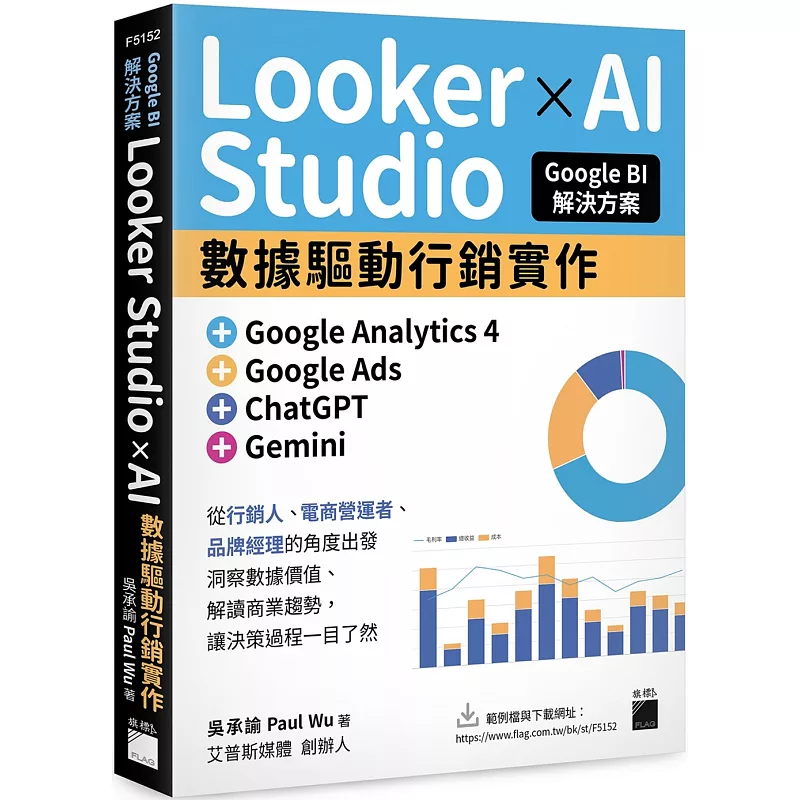
Description
內容簡介 ⭔ 廣告成效為什麼不穩定? 作者介紹 作者簡介 目錄 ▍第 0 章 常用 Google 工具開通與匯入資料來源 0.1 存取 Google Analytics 4 示範帳戶 0.2 創建 Google Ads 帳戶 0.3 資料來源匯入步驟說明 - 以 Google Analytic 4 為資料來源進行匯入 - 以 Google Sheets 為資料來源進行匯入 - 以 Microsoft Excel 為資料來源進行匯入 ▍第 1 章 行銷人踏入數據分析第一步 1.1 數據對行銷重要性 1.2 了解分析目的與情境 1.3 數據基礎觀念 - 維度與指標的關係 - 什麼是數據基準(Benchmark)? 1.4 完善分析流程與框架 1.5 為什麼需要 Looker Studio? ▍第 2 章 認識 Looker Studio 基礎圖表(一) 2.1 Looker Studio 基礎介紹 - 如何套用範本庫? - 正確的操作流程 2.2 基礎圖表操作 -資料來源 - 設定正確資料來源 - 資料來源操作
English Information
Google BI Solutions: Looker Studio × AI-Driven Marketing with Google Analytics 4, Google Ads, ChatGPT & GeminiOverview: Why is advertising performance unstable? Author Introduction Contents: Chapter 0: Setup of Common Google Tools & Importing Data Sources - Accessing Google Analytics 4 Demo Account - Creating Google Ads Account - Steps for Data Source Import: Google Analytics 4, Google Sheets, Microsoft Excel Chapter 1: Marketing Data Analysis Basics - Importance of Data in Marketing - Understanding Analysis Objectives & Context - Data Fundamentals: Dimensions & Metrics, Benchmarks - Complete Analysis Process & Framework - Why Use Looker Studio? Chapter 2: Introduction to Looker Studio Charts (Part 1) - Applying Templates & Correct Procedures - Basic Chart Operations & Data Source Configuration


